⚡
Direct and fast
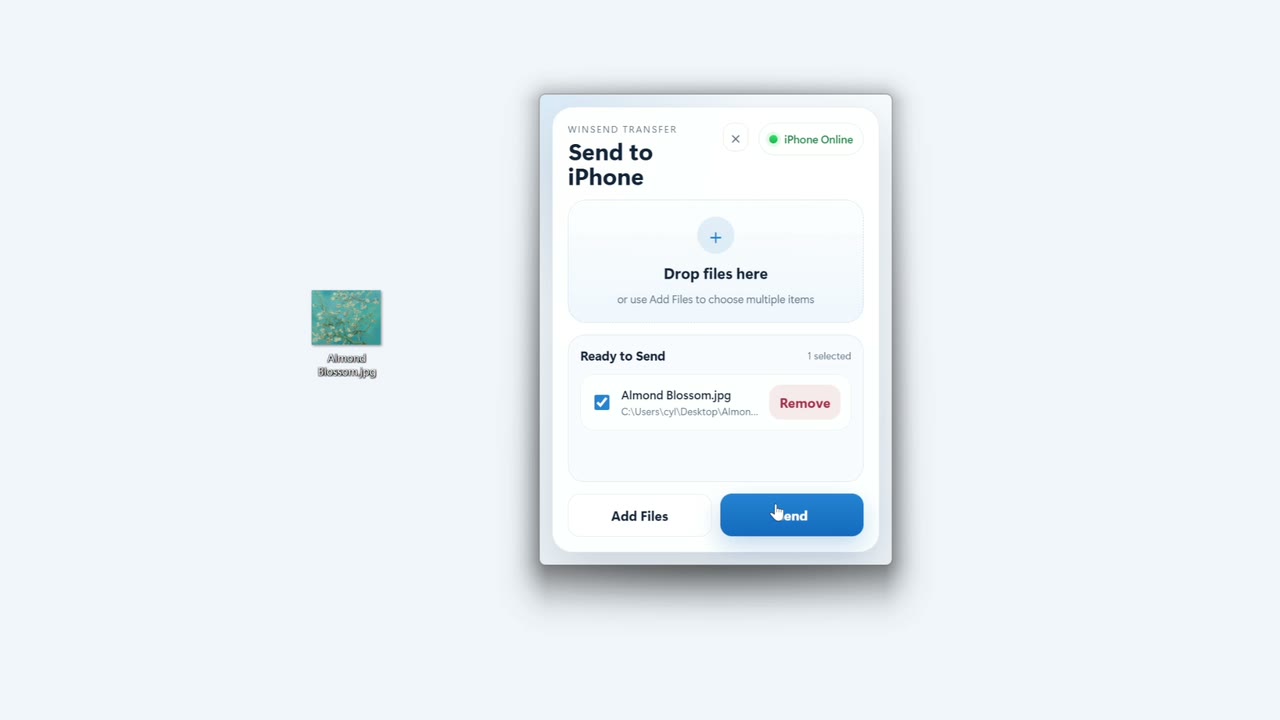
Devices discover each other on local Wi-Fi and transfer directly, with no separate cloud upload and download.
AirDrop for Windows
Transfer effortlessly between your devices.
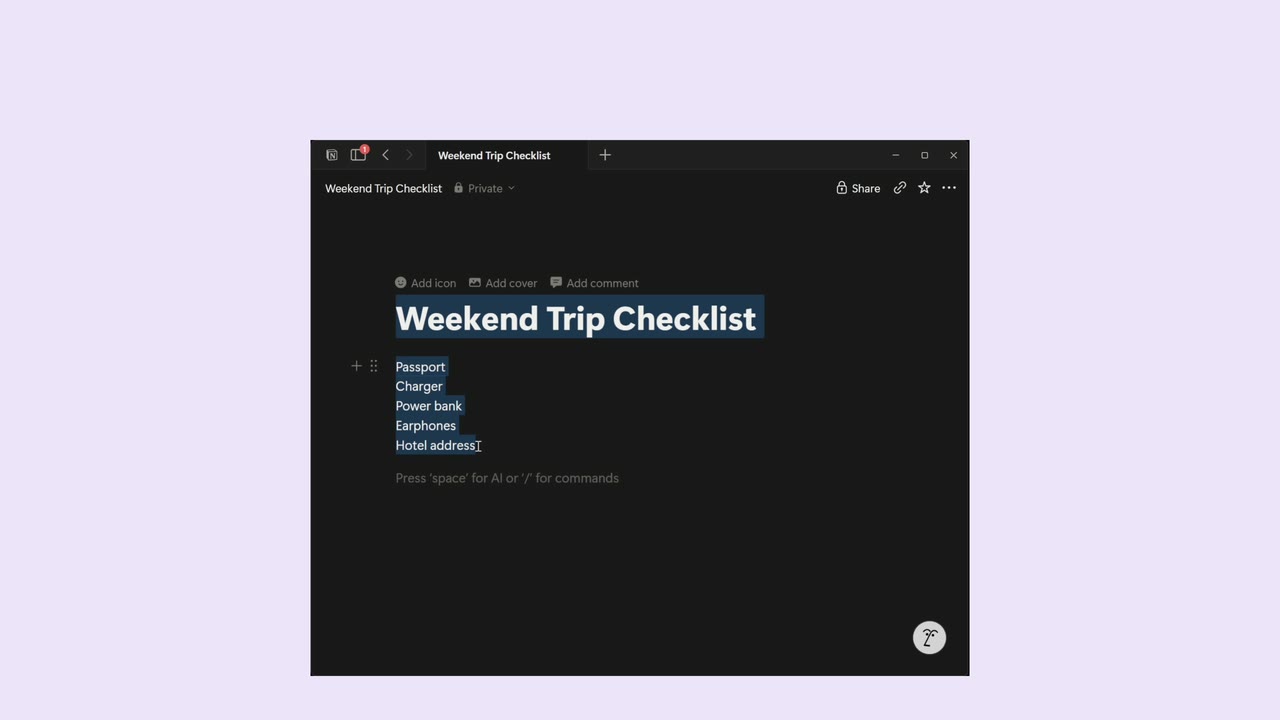
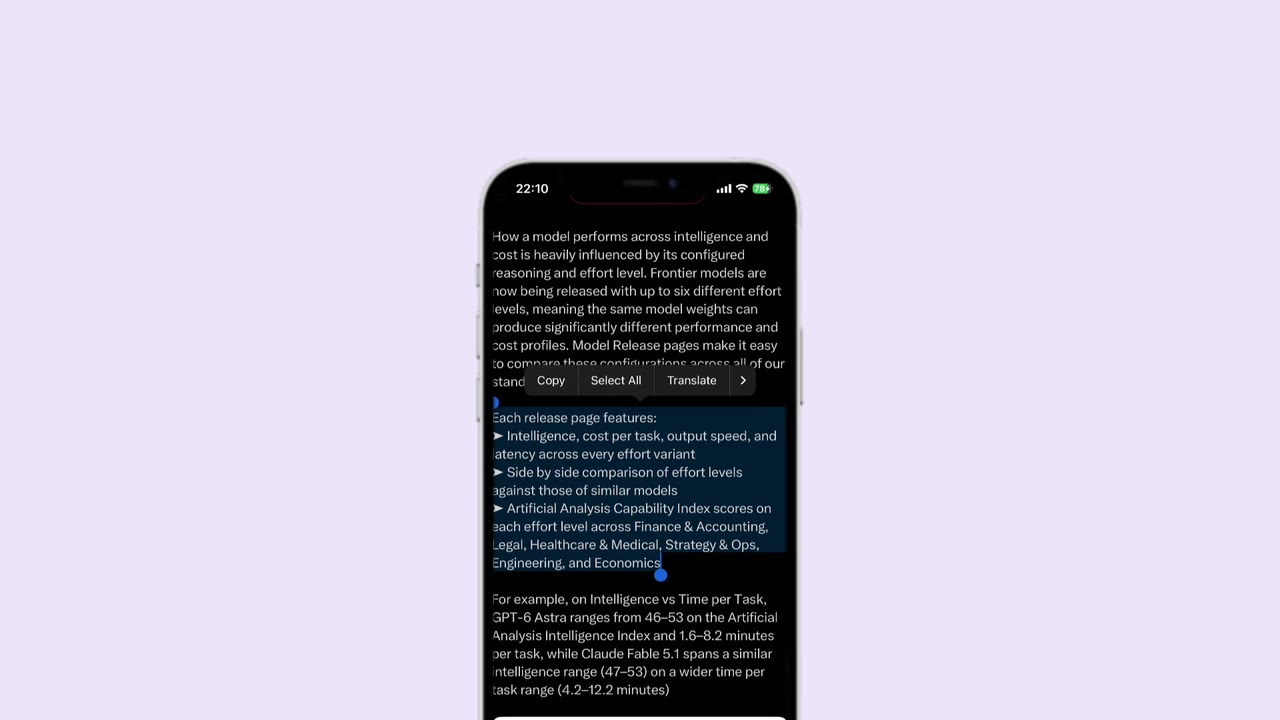
After setting up your WinSend Shortcut, copy text on iPhone, run the Shortcut, then paste on Windows with Ctrl+V.
Everyday sharing, made simple
Watch complete demos for file transfer, two-way clipboard sharing and iOS Shortcuts.
Cloud clipboard
PC on office Wi-Fi, iPhone on mobile data? Enable cloud clipboard sync to share copied text between them.
Explore cloud clipboard →Cloud transfer supports clipboard text. Files and photos still transfer over your local network.
See you tomorrow. Bring your meeting notes.
Copied textSee you tomorrow. Bring your meeting notes.
Get the text, then pasteHow text travels between networks
Devices discover each other on local Wi-Fi and transfer directly, with no separate cloud upload and download.
Photos, videos and files arrive without compression or forced size limits.
Use the iOS share sheet and Shortcuts instead of digging through folders or sending files to yourself.
Private by default
Files transfer directly over your local network, without an account. For text sharing across networks, you can separately enable encrypted cloud clipboard sync.
Read about WinSend safety →Yes. Local transfers go directly between your devices over your local network, without a cloud upload or account.
Local file and clipboard transfers only require both devices to be on the same Wi-Fi network. Optional Cloud Sync supports encrypted clipboard relay across networks.
Photos, videos, files, and clipboard text. Photos and videos keep their original quality; files stay unchanged.
Yes. Enable cloud clipboard sync to share copied text when both devices have internet access. Files and photos still require a local network connection.
Cloud transfer supports clipboard text. Files and photos still transfer over your local network.
Yes. Open Cloud Sync on Windows, then enter the pairing code in WinSend’s Cloud Sync screen on iPhone and follow the in-app instructions.
Install WinSend on both devices and make your first transfer in minutes.